Basecamp Resorts
Everwild Spa
Grizzly Ridge
Pine & Peaks
Revy Suites
Timber Peaks
Wildwood Spa
BCR – How to edit Executive Team
How to Edit Amenities (WordPress)
Amenities on BasecampResorts.com are managed as a custom content type. Follow the steps below to edit an existing amenity safely.
Step 1: Log In to WordPress
Go to the WordPress Dashboard
Visit:
https://basecampresorts.com/wp-adminEnter your login credentials
Step 2: Open Executive Team
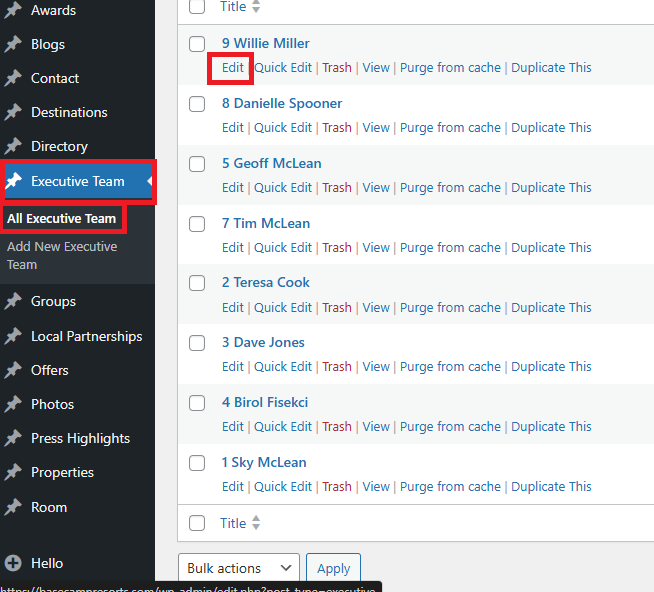
In the left sidebar, click Executive Team
Click All Executive Team
Look for an Executive you want to edit
Click Edit
Step 3: Edit Executive Content
Update the main content fields as needed (name, job title, bio, or custom fields depending on the executive setup).
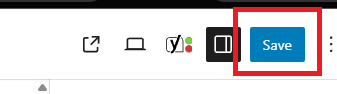
Step 4: Save Your Changes
-
Click Update
-
Wait for the confirmation message
Step 5: Review the Executive
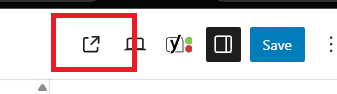
View the relevant property page
Confirm the amenity displays correctly
Verify button behavior (if added)
Important Notes
Button text without a link will not display
Property Categories determine visibility
Changes go live immediately after updating