BCR – How to edit Property Destinations
How to Edit Destination page in WordPress
1. Log in to your WordPress dashboard.
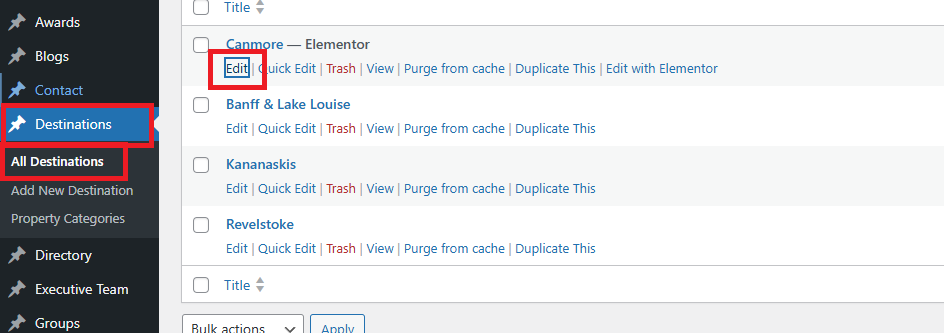
2. In the left sidebar, click Destination→ All Destination.
3. Find the Location you want to edit and click Edit.
4. Scroll down below the page editor.
You will see a section containing ACF fields used to control the Contact page content.
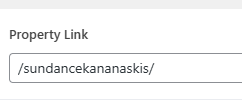
Property Link is Property URL (Slug)
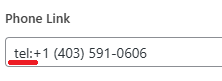
Phone Link & Email Link
Make sure you add “mailto:” for email and “tel:” for phone number to make it a link
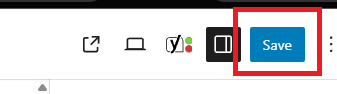
5. Once done, click Update to save your changes.